

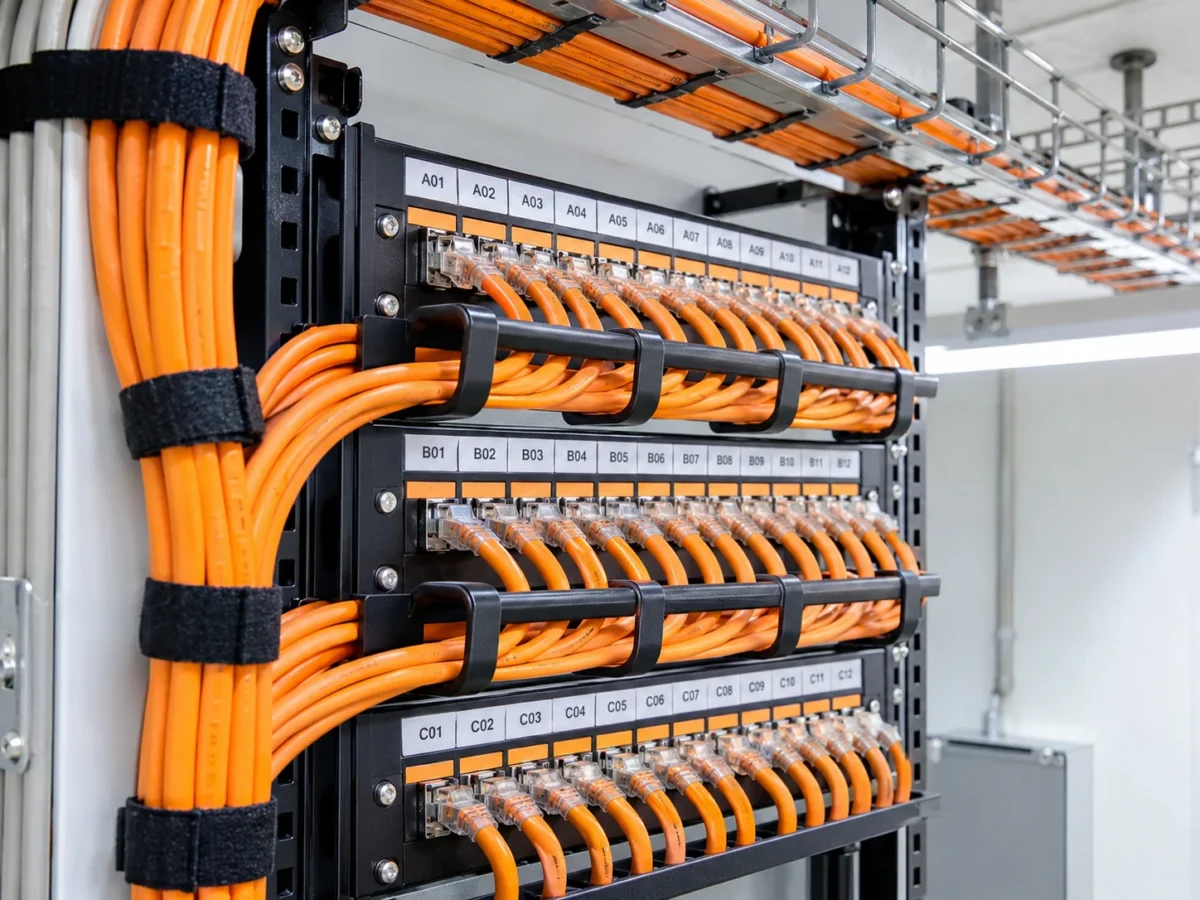
Passive infrastructure
Cabling, sockets and panels
Laying communication lines, including CAT7 where required, terminating points, patching and consistent labelling to allow easy maintenance and expansion.
Control Systems / Networks and communications
Design and installation of communication infrastructure for businesses — cabling and network points, a tidy communication cabinet, switches and routers and a Wi-Fi network, from the socket to a system that works.
Communication foundations that work together
Mapping users, work areas, end points, usage loads and future needs — as the basis for designing the infrastructure and equipment.
Laying copper infrastructure, including CAT7 according to the project specification, installing sockets and panels, labelling lines and organizing cable routes.
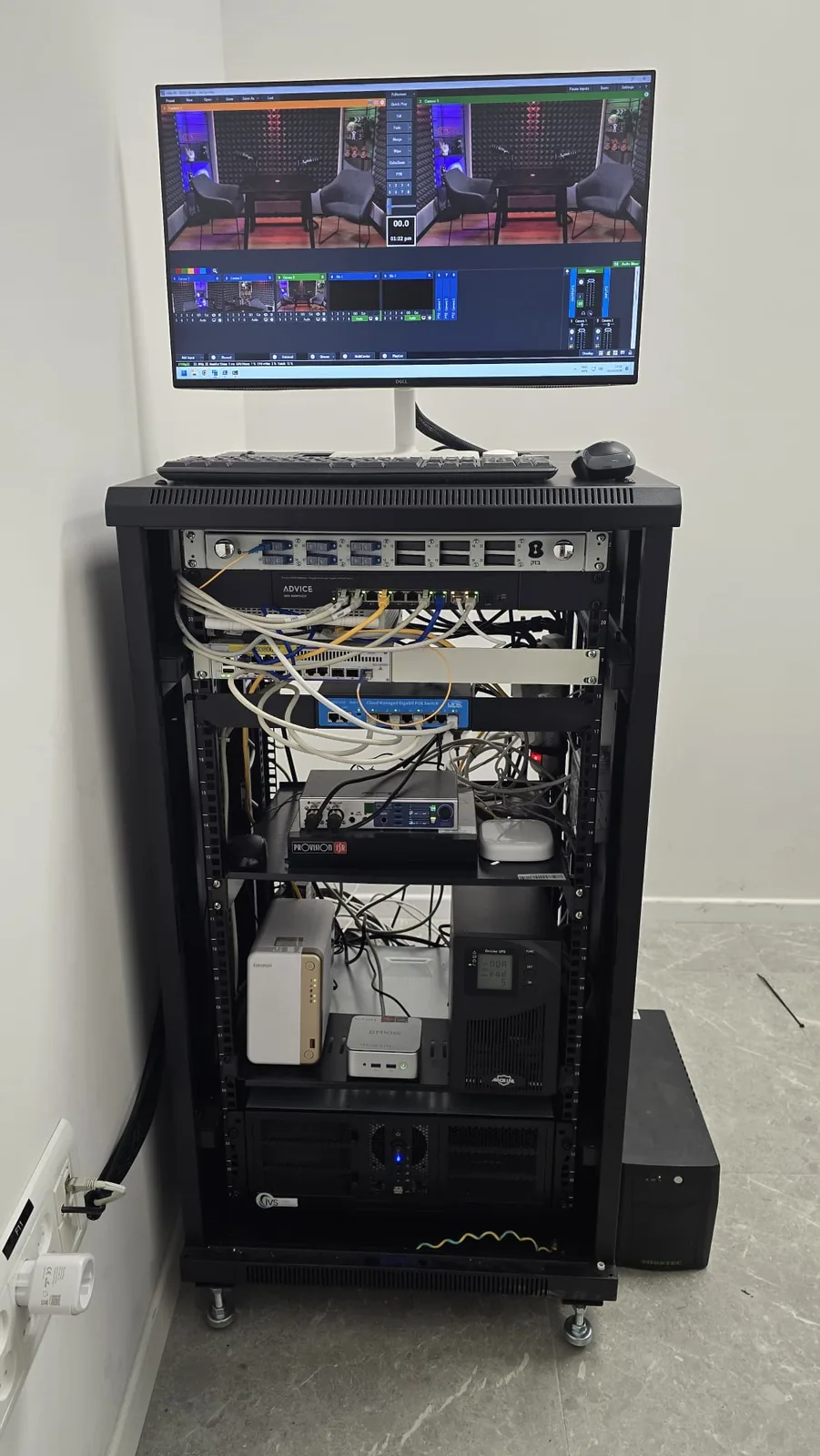
Designing and installing communication cabinets, including 20U cabinets and other sizes, patch panels, cable management, ventilation and power for the equipment.
Selecting and installing network switches, routers and active equipment, including powering end points via PoE when the equipment and requirements allow.
Planning wireless coverage for offices and buildings, installing access points and configuring networks and permissions according to the users' needs.
Connectivity testing, labelling points, tidying existing cabinets, troubleshooting and preparing the infrastructure for future expansion.
Three layers of a planned network
Our work connects orderly passive infrastructure, active network equipment and suitable wireless coverage — according to the need on site.
Passive infrastructure
Laying communication lines, including CAT7 where required, terminating points, patching and consistent labelling to allow easy maintenance and expansion.
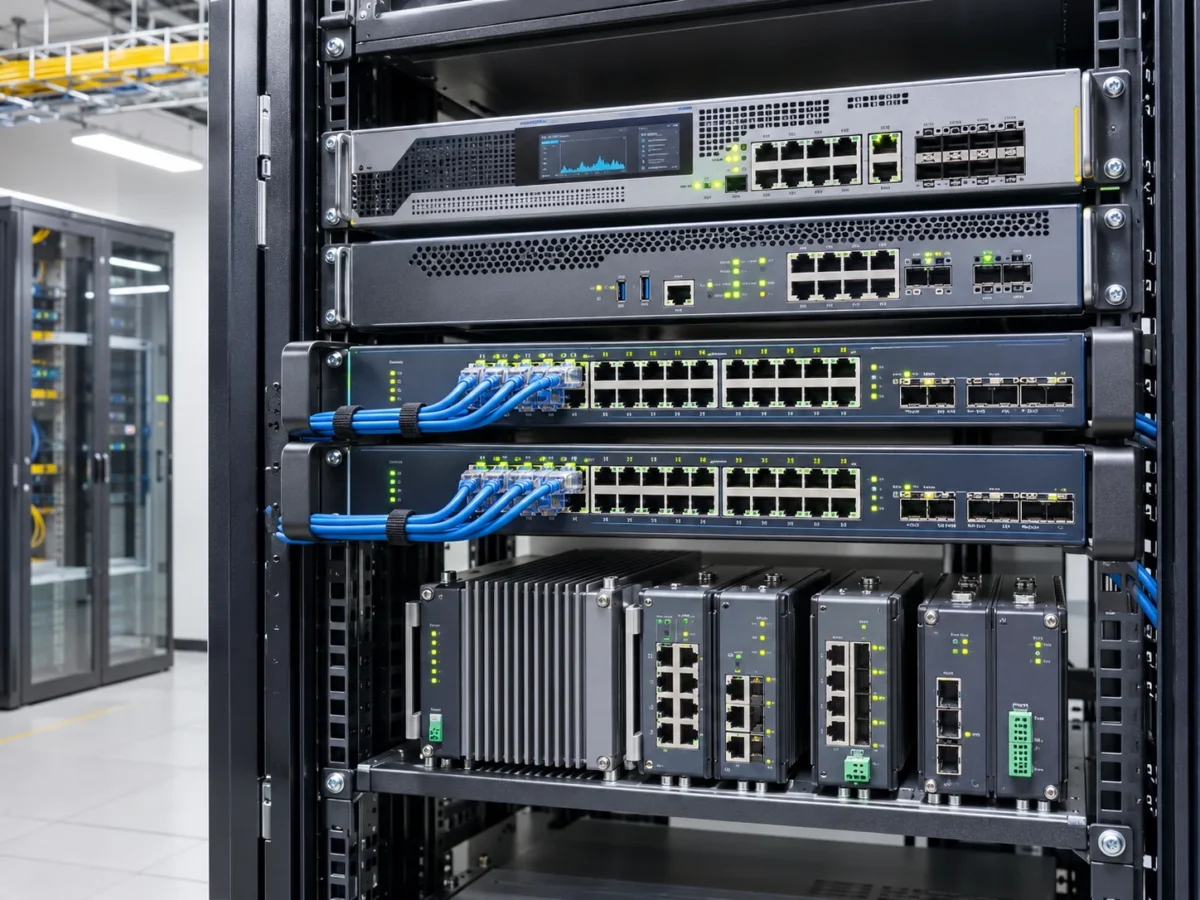
Active communications
Integrating switches, routers, power units and end equipment in an organized cabinet. In suitable projects we also use industrial equipment from the RUGGEDCOM family.
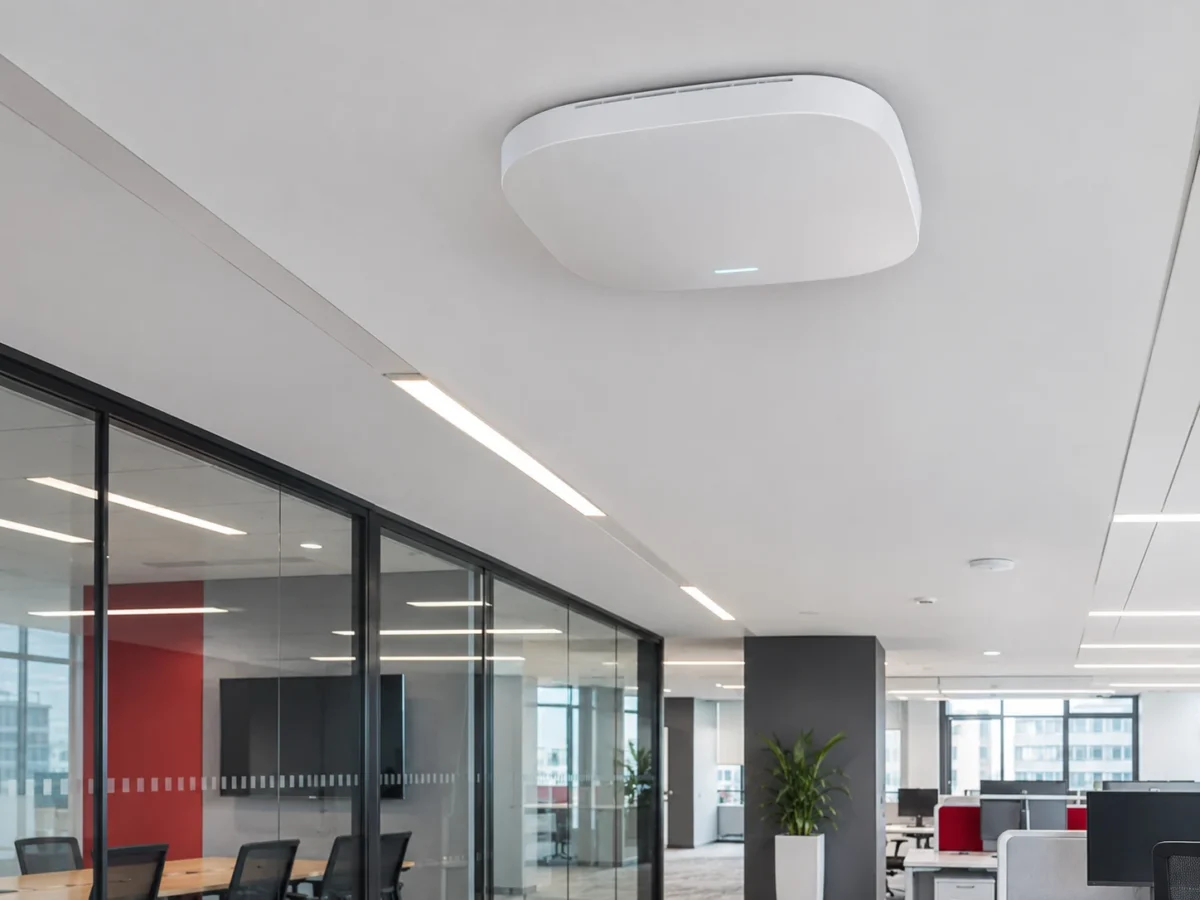
Wireless network
Planned access point deployment, wired connection and network settings suited to offices, institutions and multi-user facilities.
How we work
Each stage connects to the next — to keep design, execution and control clear throughout the project.
Reviewing the existing infrastructure, the number of end points, the location of cabinets and access points, and operating and resilience requirements.
Choosing cable routes, cable types, active equipment and wireless solutions according to the specification and site conditions.
Cabling, installing cabinets, terminating sockets and panels, and connecting switches, routers and access points.
Communication and connectivity tests, point testing, mapping and labelling, and basic configuration according to the agreed system.
Handing over documentation of the communication lines and equipment, training the relevant people and handling expansions and upgrades.
Technical choices without unnecessary compromises
At the design stage we distinguish between the physical infrastructure — the cabling, connectors and cabinets — and the active network equipment that routes and manages traffic. Good design requires matching both parts, not just choosing an expensive cable or switch.
Projects in an industrial environment may justify hardened equipment such as RUGGEDCOM, while in offices and institutions we also consider HPE/HP solutions and equipment from other manufacturers. The model, management interfaces, level of resilience and security options are chosen according to the project’s requirements.
When CAT7 cabling is required, all infrastructure components and interfaces must match the specification; the category name alone does not guarantee particular performance. We insist on a tidy cabinet, labelled lines and a design you can keep working with through future changes.
Almost every system in a business today relies on a network: computers, phones, security cameras, access control and management systems. That’s why communication infrastructure for businesses should be planned in advance — how many network points in each room, where the communication cabinet will stand, how the cables will run and what will happen when the business grows.
We lay communication cables in trunking and ceilings, terminate each point in a numbered socket and panel, and test the lines at the end. In existing buildings network points can be added without dismantling what’s there, and an old communication cabinet can be upgraded to a tidy cabinet with proper cable management.
The same infrastructure can also be designed for the security cameras and access control — with PoE switches, logical separation between the networks and backup power for critical equipment. At the end you receive documentation of all the points. We build communication infrastructure for businesses and institutions in the North — from Netanya and Hadera, through Haifa, Afula and Nof HaGalil, to Kiryat Shmona and the Golan Heights.
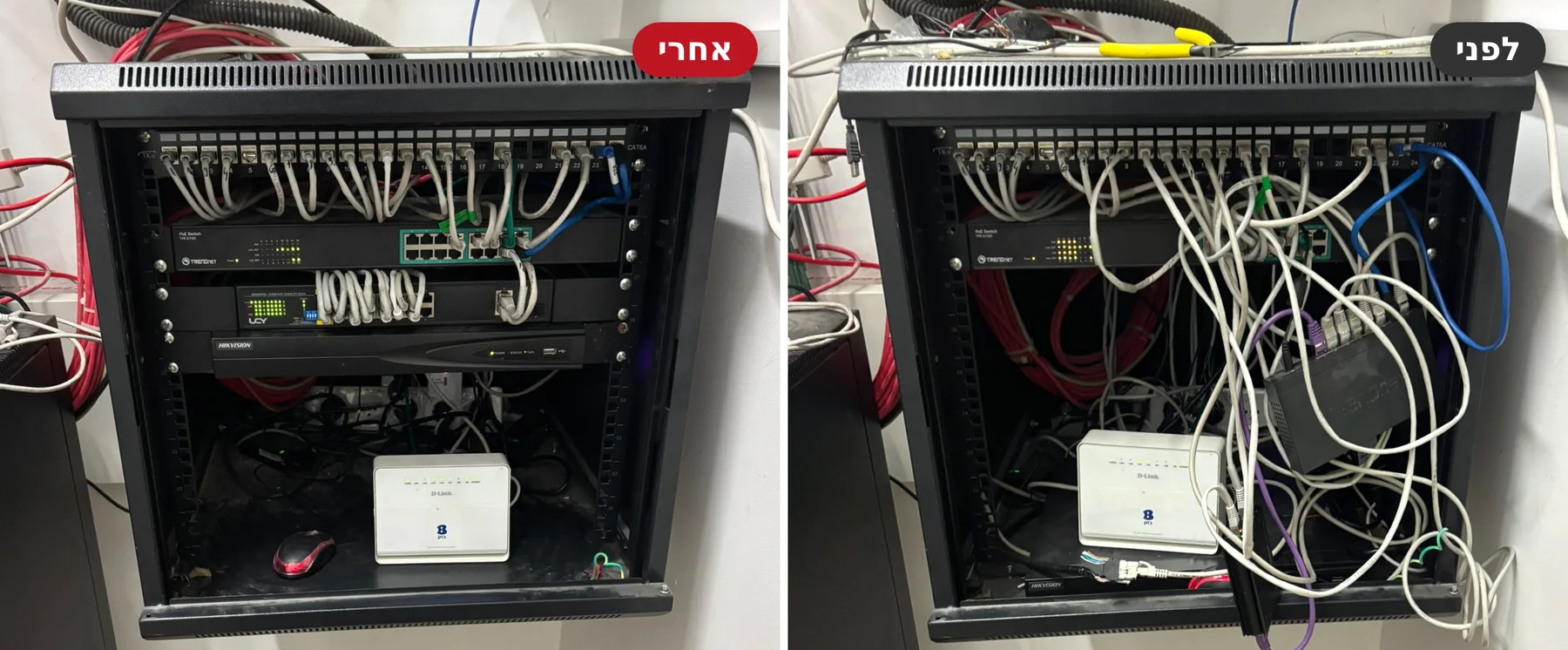
Before and after
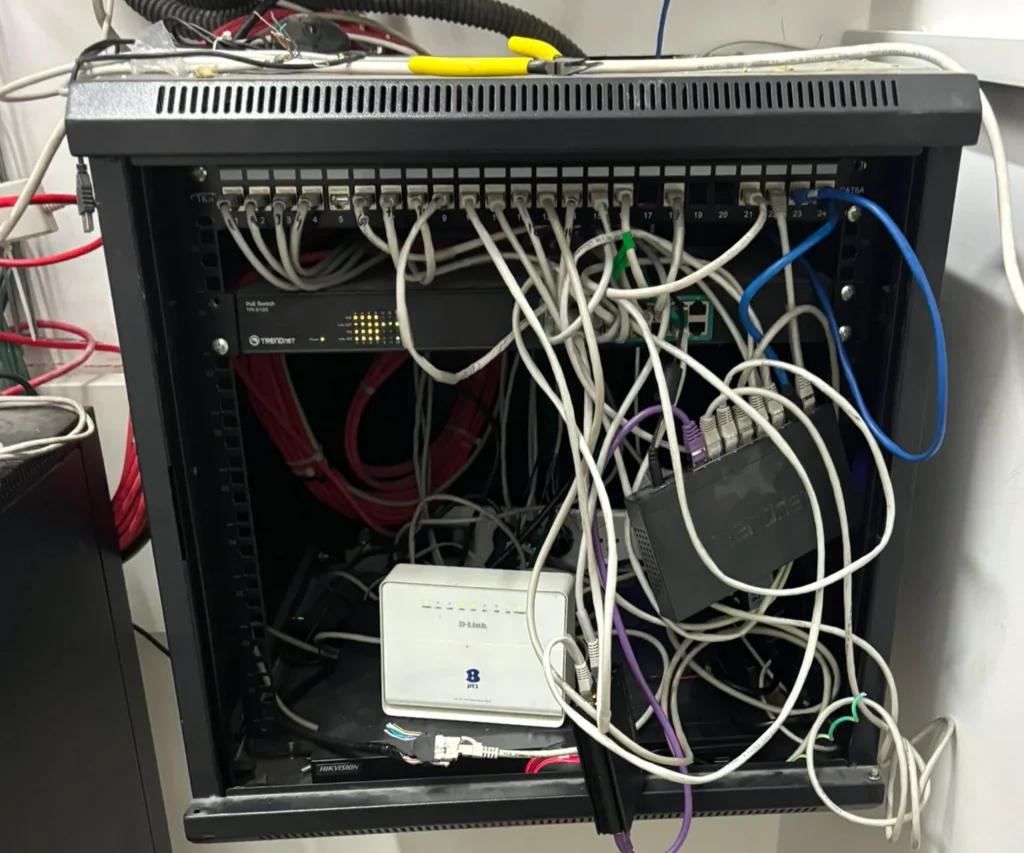
Tangled cables make troubleshooting and every change difficult. After re-organizing, every cable is short, labelled and leads to one place, and the equipment sits on rails.
Drag the line to compare
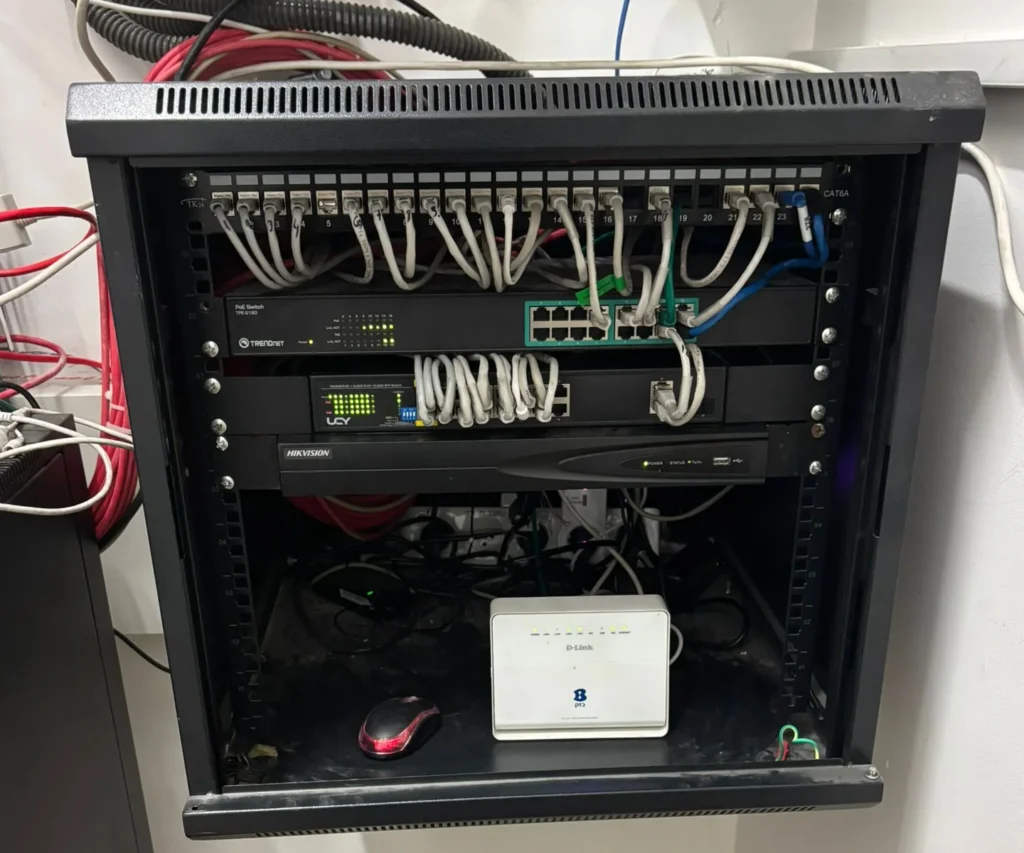
From the field
מתשתית הכבילה ועד קישוריות אלחוטית
תמונות המחשה בלבד — אינן צילומים של פרויקטים שביצעה 007 או ציוד של דגם מסוים.
Frequently asked questions
Yes. We design and install communication cabinets in various sizes, including 20U, according to the amount of equipment, the volume needed, ventilation and the space available.
Yes. We carry out communication infrastructure according to the project specification, including CAT7 cabling. The matching of connectors, end sockets and test requirements is determined as part of the design.
We work with RUGGEDCOM, HP/HPE and other manufacturers. The choice depends on environmental conditions, management capabilities, needs and budget.
In many cases, yes. We’ll check the quality of the existing coverage, the communication infrastructure and the equipment power, and plan access point locations according to the needs.
Sometimes, yes. We’ll check the condition of the cabling, panels and active equipment, and suggest tidying, labelling or targeted replacement of components as needed.
A switch connects devices within the local network and passes traffic between them; a router links different networks, for example the business network and the internet. Sometimes complementary security and management components are also needed.
Yes, in suitable systems and depending on load planning, permissions, logical separation and security requirements. We’ll assess the implications of integrating the low-voltage systems into the site network.
Yes, depending on the agreed scope of work, labelling and defining points, mapping the cabinet and documenting connections for operation and service can be included.
Usually we plan at least two points per workstation, plus extra points for printers, cameras and Wi-Fi points. During a site visit we’ll build an exact plan.
Across the North — from Netanya and Hadera, through Haifa, Afula and Nof HaGalil, to Kiryat Shmona and the Golan Heights.
Tell us about the building, the number of network points, the equipment required and the coverage challenges — and together we'll design an orderly, suitable network solution.